

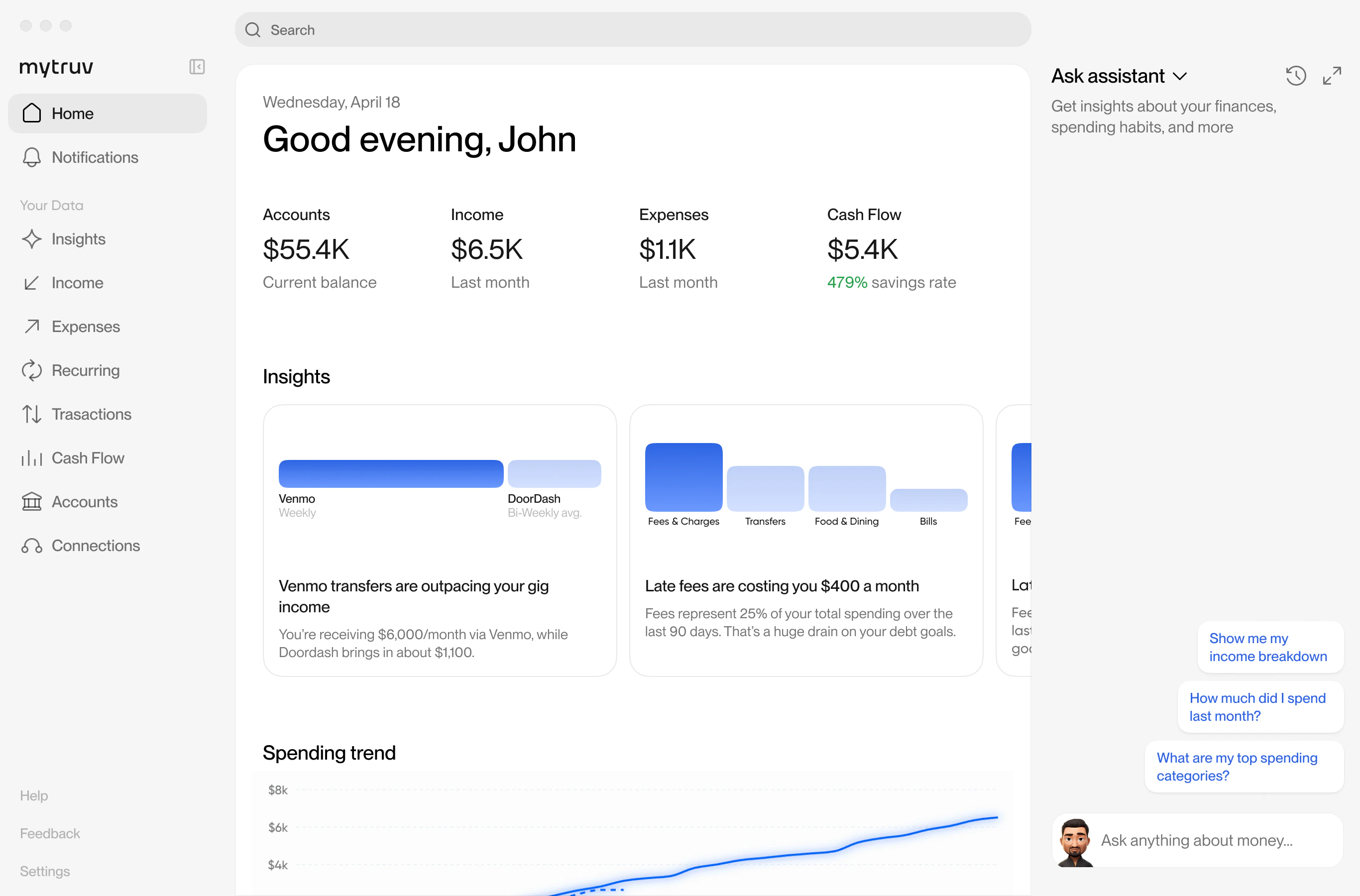
Ways to use MyTruv
Web app
app.mytruv.com - the full MyTruv experience in your browser. Connect accounts, chat with the AI assistant, explore transactions, and manage your subscription.
iOS app
MyTruv: AI Money Autopilot on the App Store. The same experience on your phone, with Face ID / Touch ID and native iOS notifications.
Desktop app
MyTruv for Mac and Windows. The same experience as the web app, right on your desktop.
MyTruv MCP
Connect MyTruv to Claude, ChatGPT, Gemini, Cursor, or any other MCP-compatible AI assistant. Ask questions about your money in natural language.
MyTruv CLI
Query balances, transactions, income, and spending from the terminal. Ships as a Gemini CLI extension and a local MCP stdio server.
REST API
Read-only programmatic access for your own integrations, scripts, and dashboards.
MyTruv is read-only across every surface. It never moves money, changes account settings, or pushes data back to your financial institutions.